
Vivo V40 repair
Repair notes and key specs for the Vivo V40. We repair every Vivo V40 fault at our shop in Katchery Bazar, Faisalabad, from the Curved AMOLED screen and battery to the charging port, fingerprint and board-level faults.
Vivo V40 at a glance
| Released | 2024 |
| Screen | 6.78-inch Curved AMOLED, 120 Hz |
| Unlock | Optical in-display fingerprint |
| Charging port | USB-C |
| Battery | 5,500 mAh (typical) |
| Wired charging | Up to 80 W · FlashCharge |
| Water resistance | IP68 (weakens with age, drops and repairs) |
| Chip | Snapdragon 7 Gen 3 |
Compare the Vivo V40 with another phone.
Which charger is safe for this phone? Charger helper. Is it fast charging? Charger speed test. How long does a full charge take? Charging time calculator.
What to know before a repair
Curved screen
The curved AMOLED needs careful removal and fitting, and copy panels rarely match the curve well. We confirm the panel type before the job.
AMOLED screen options
Replacement screens range from original panels to cheaper incell copies. Copies are duller, thicker and can stop an in-display fingerprint from working, so ask which type your quote is for.
In-display fingerprint
The fingerprint sensor reads through the screen, so a cheap replacement panel can leave it unreliable or dead. Re-register your fingerprints after any screen change.
FlashCharge charging
Full-speed FlashCharge needs the vivo adapter and cable. A normal USB-C charger works but at a slower rate. If fast charging stops, test with the original charger first.
Battery
The battery is glued in. Fast drain, shutdowns at 20–30% or a lifted back cover mean it needs replacing. Swollen batteries are replaced straight away.
Common Vivo faults we see
Broken or curved AMOLED screen
Many V series phones have curved AMOLED screens, which need careful fitting. Budget Y series phones use LCD.
Learn more →Not charging
Usually the USB port or charging sub-board. We clean or replace it and test fast charging.
Learn more →Battery problems
Fast drain, shutdowns at 20–30% or a lifted back cover mean the battery needs replacing.
Learn more →Hanging or stuck after an update
Often software or full storage. We check whether it's software or hardware before any reset.
Learn more →Vivo V40 repairs we do
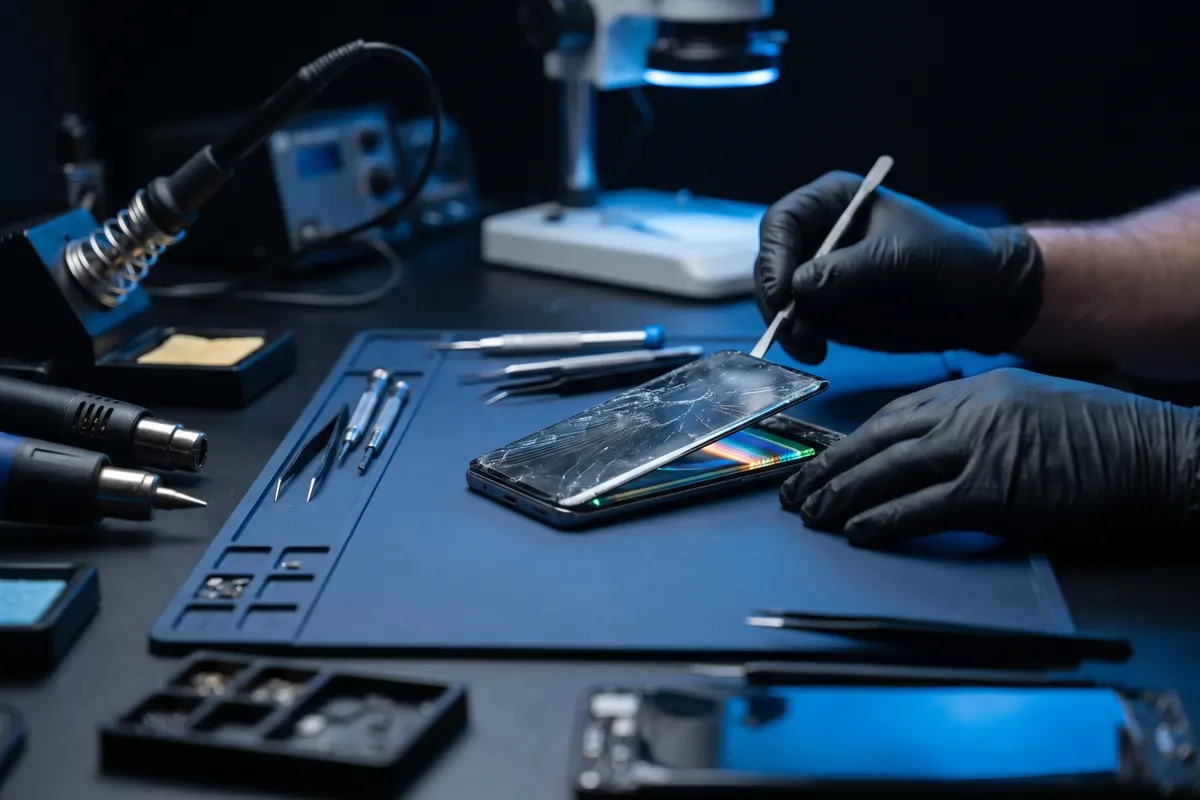
Screen replacement
Cracked glass, broken LCD or AMOLED, lines on the display or touch not working.
See how we fix it →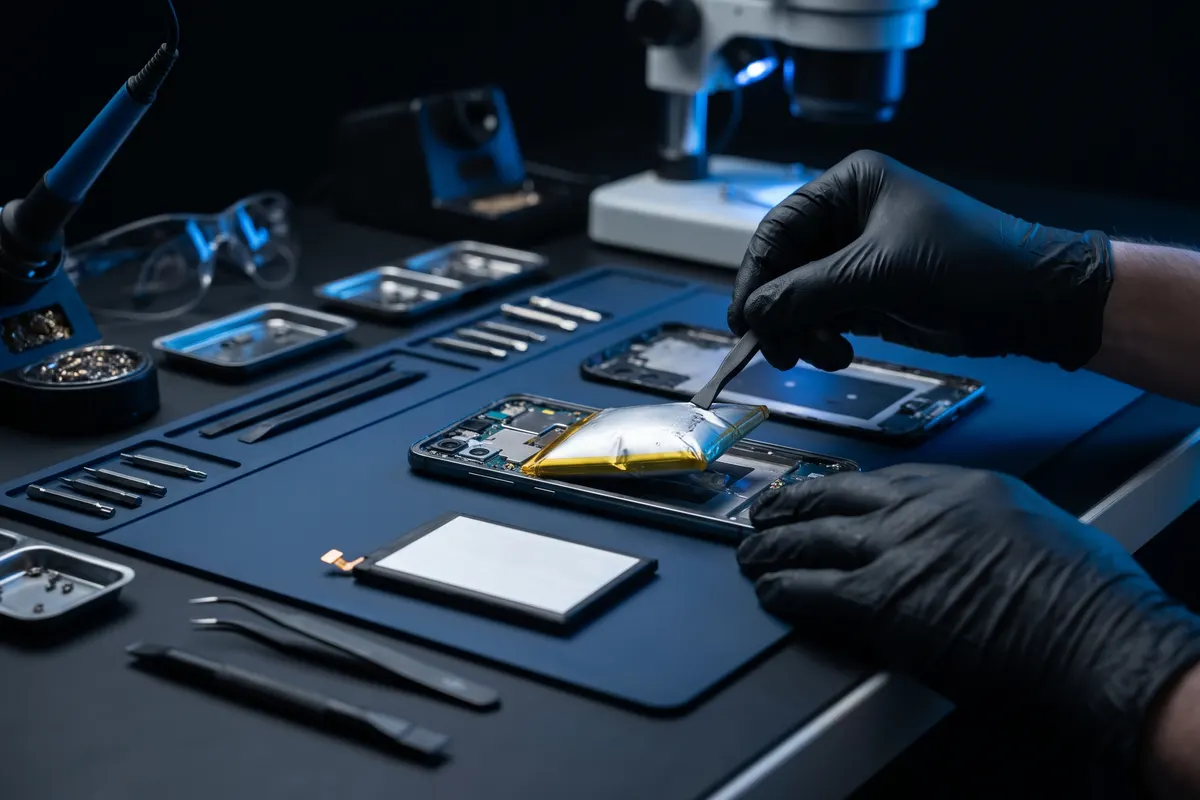
Battery replacement
New battery for phones that drain fast, swell or switch off at a high percentage.
See how we fix it →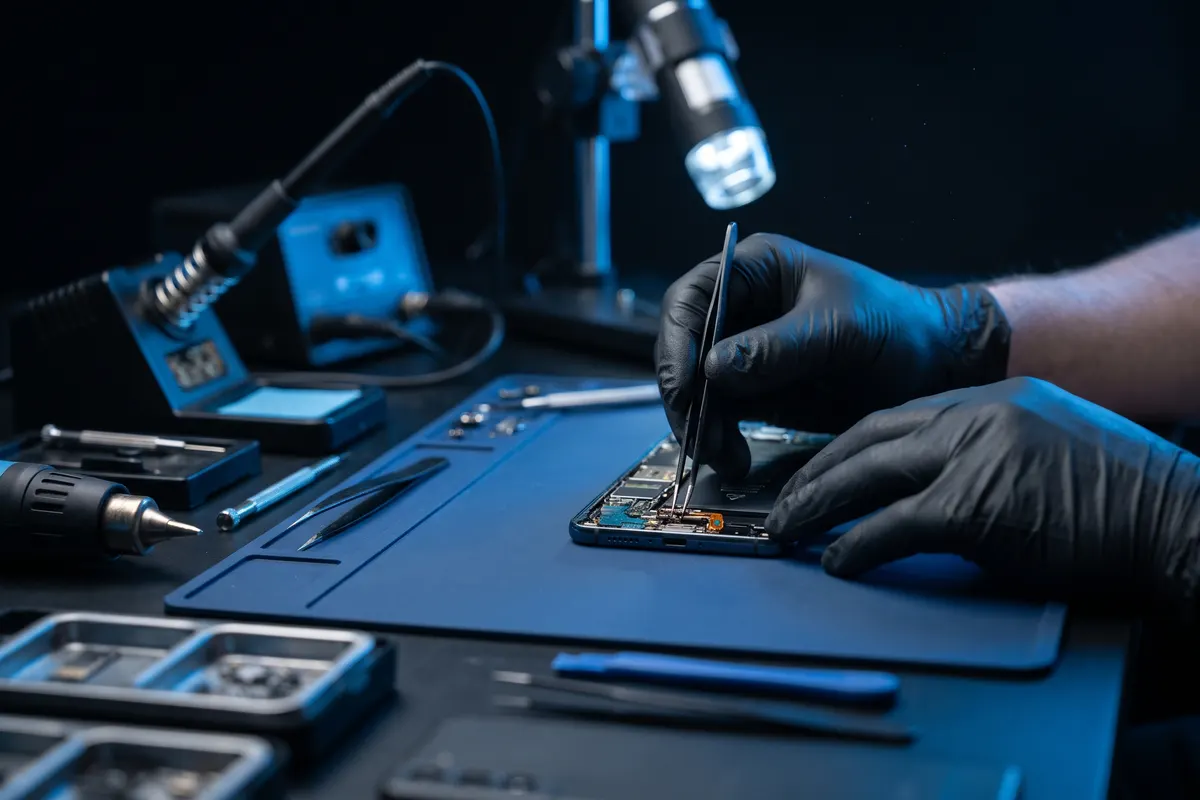
Charging port repair
Phone not charging, charging slowly or only at an angle.
See how we fix it →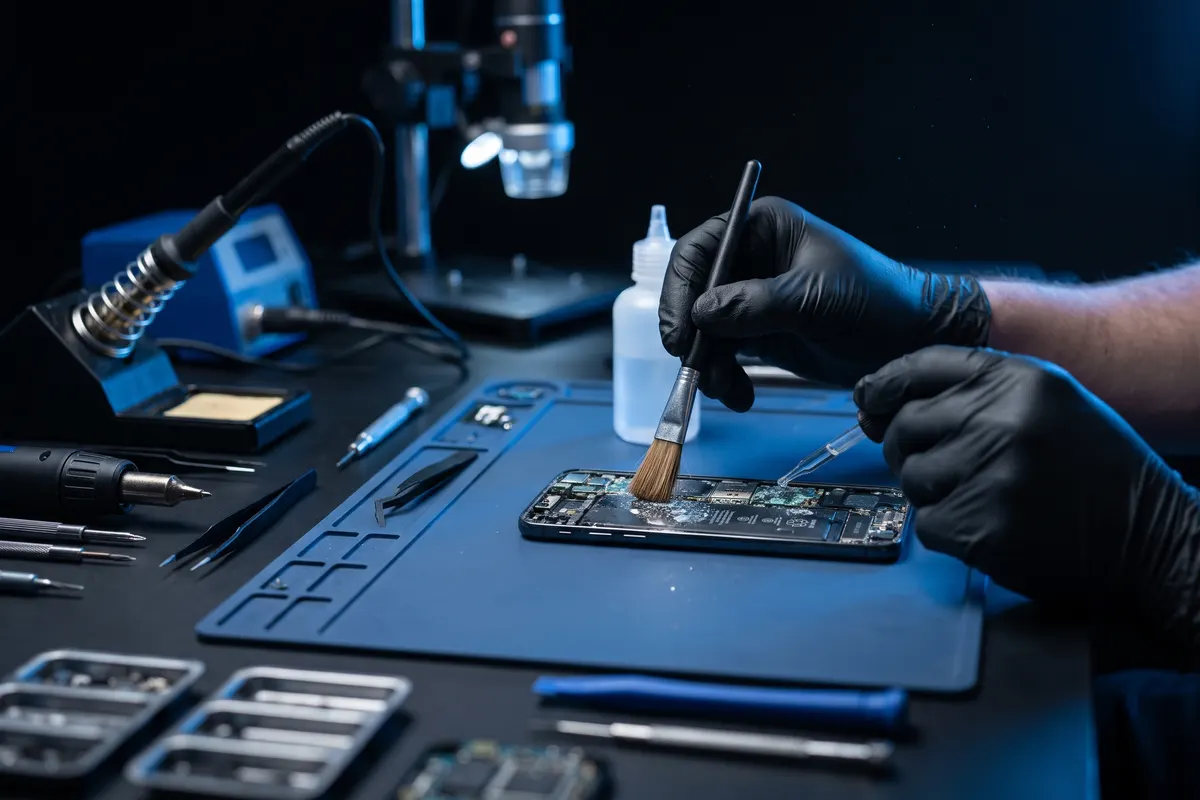
Water damage repair
Cleaning and repair after water or liquid damage, the sooner the better.
See how we fix it →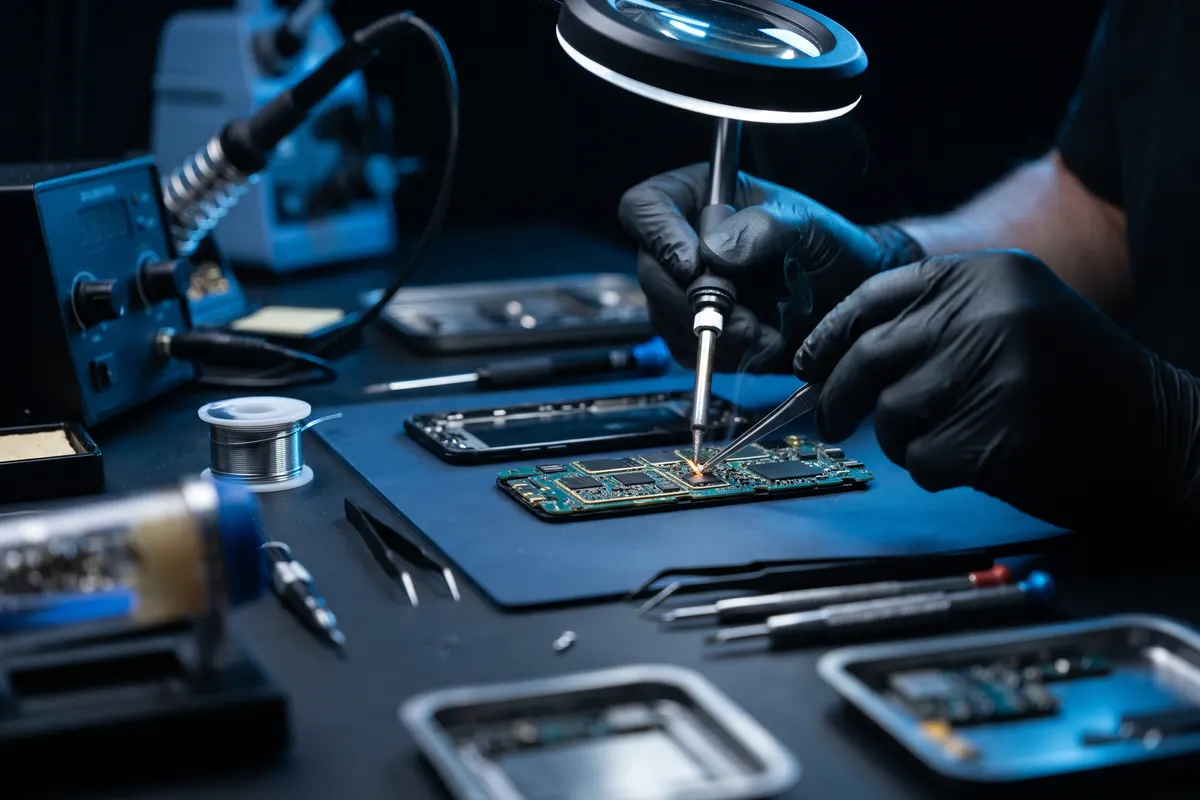
Dead phone & board repair
Board-level repair for phones that won't turn on or keep restarting.
See how we fix it →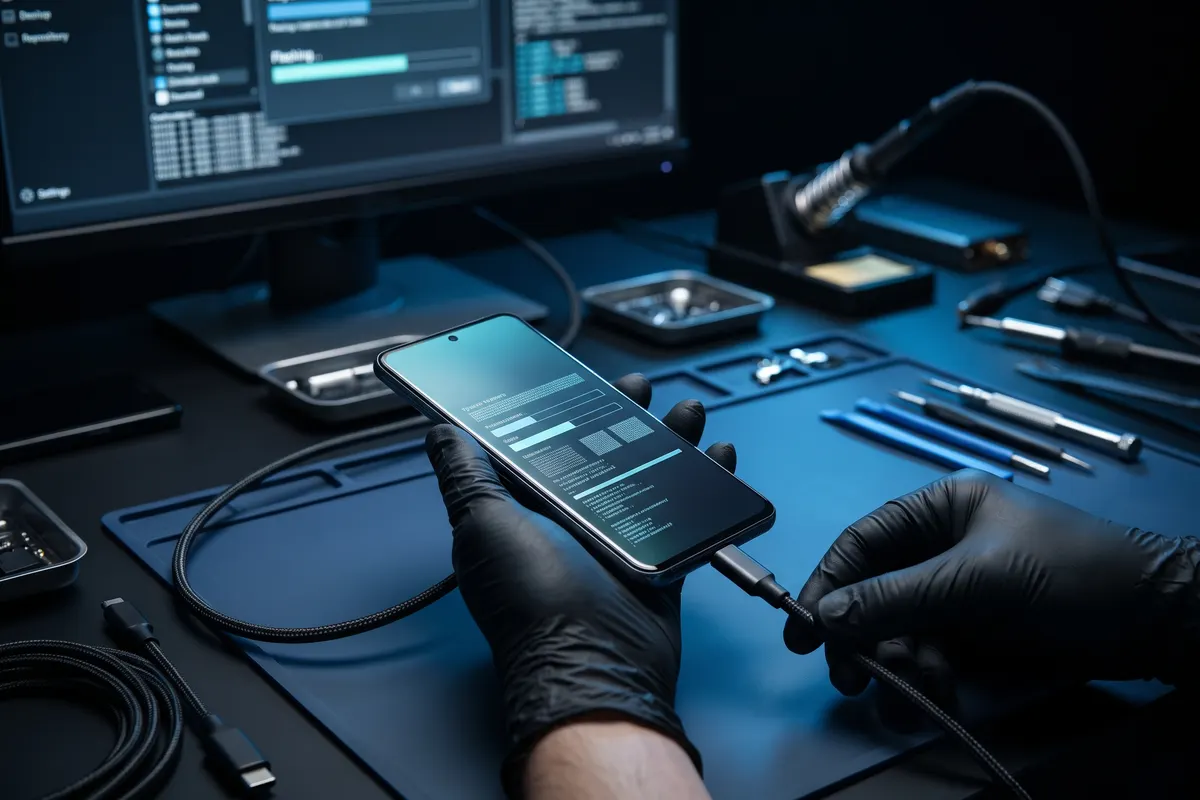
Software & hang issues
Phones that hang, keep restarting or are stuck after an update.
See how we fix it →All Android repairs All common phone problems and fixes
Try this first: self-help guides
- Samsung or Android phone not turning on? What to try
- Android phone hanging or slow? 9 fixes that work
- Android storage full? Free up space on Samsung, Xiaomi & Oppo
- How to check battery health on Android (Samsung, Xiaomi, Oppo)
- Forgot your Android pattern or PIN? What actually works
- Mobile data not working? Fixes for Android and iPhone in Pakistan
- Phone not charging? 7 checks before you go to a shop
- Is my phone hacked? Signs, what *#21# really shows, what to do
- PTA tax on iPhone 18, Galaxy S26, Pixel 10: find the exact amount
Vivo V40 repair questions
Can you repair the Vivo V40 screen?
Yes. We replace Vivo V40 screens with original or copy AMOLED options, and we check that the fingerprint sensor still works, and test touch and brightness afterwards. Send your model on WhatsApp for the options and a quote.
Do you replace the Vivo V40 battery?
Yes. Check Settings → Battery for battery health if your phone shows it. Fast drain, shutdowns at 20–30% or a lifted back cover mean it's time. We replace the battery and test charging before you collect the phone.
My Vivo V40 won't turn on. Can it be fixed?
Often, yes. A dead phone can be a battery, charging or board fault. We diagnose first, then repair it down to board and chip level when needed.
How much does Vivo V40 repair cost?
The price depends on the fault and the part option, so we don't publish a fixed list. Send your model and problem on WhatsApp and we'll give you a quote.
Vivo V40 touch not working: what should I do?
First clean the screen with a dry cloth, take off the screen protector, unplug the charger and restart the phone. If touch is dead in one strip or corner, or the phone taps by itself (ghost touch), the touch layer of the screen is usually damaged and the screen needs replacing. Use the touch grid in our online phone test to see the dead area. Full steps in our guide "Phone touch not working or ghost touch".
Vivo V40 not charging or charging slowly: what is the cause?
Most charging problems come from a bad cable or charger, or dirt packed in the charging port. Try another cable and charger, clean the port gently with a wooden toothpick (never a pin or needle) and restart the phone. If the cable feels loose, it charges only at an angle, or fast charging has stopped, the charging port, the battery or the charging chip on the board usually needs a repair. Check the real speed with our charger speed test.
How can I test my Vivo V40 myself?
Dial *#558# on the phone for Vivo's built-in hardware test (screen, touch, sensors, speaker), or use our online phone test in the browser.
How much PTA tax is on the Vivo V40?
FBR publishes no fixed list per model. The amount depends on the value FBR assigns to the phone and on whether you register on a passport (within 60 days of arrival) or a CNIC, which costs more. First check the status by sending the IMEI to 8484; if it is not registered, enter the IMEI on FBR's Mobile Device Duty Information page on weboc.gov.pk or see the PSID on DIRBS. Calculator websites show estimates. Full steps in our guide "PTA tax on new phones".
Test the screen, touch, speaker and cameras in your browser: online phone test.

Walk in, or message us first.
Free resources for this phone
Check the provider’s OS, device and region requirements; start with these curated records.